
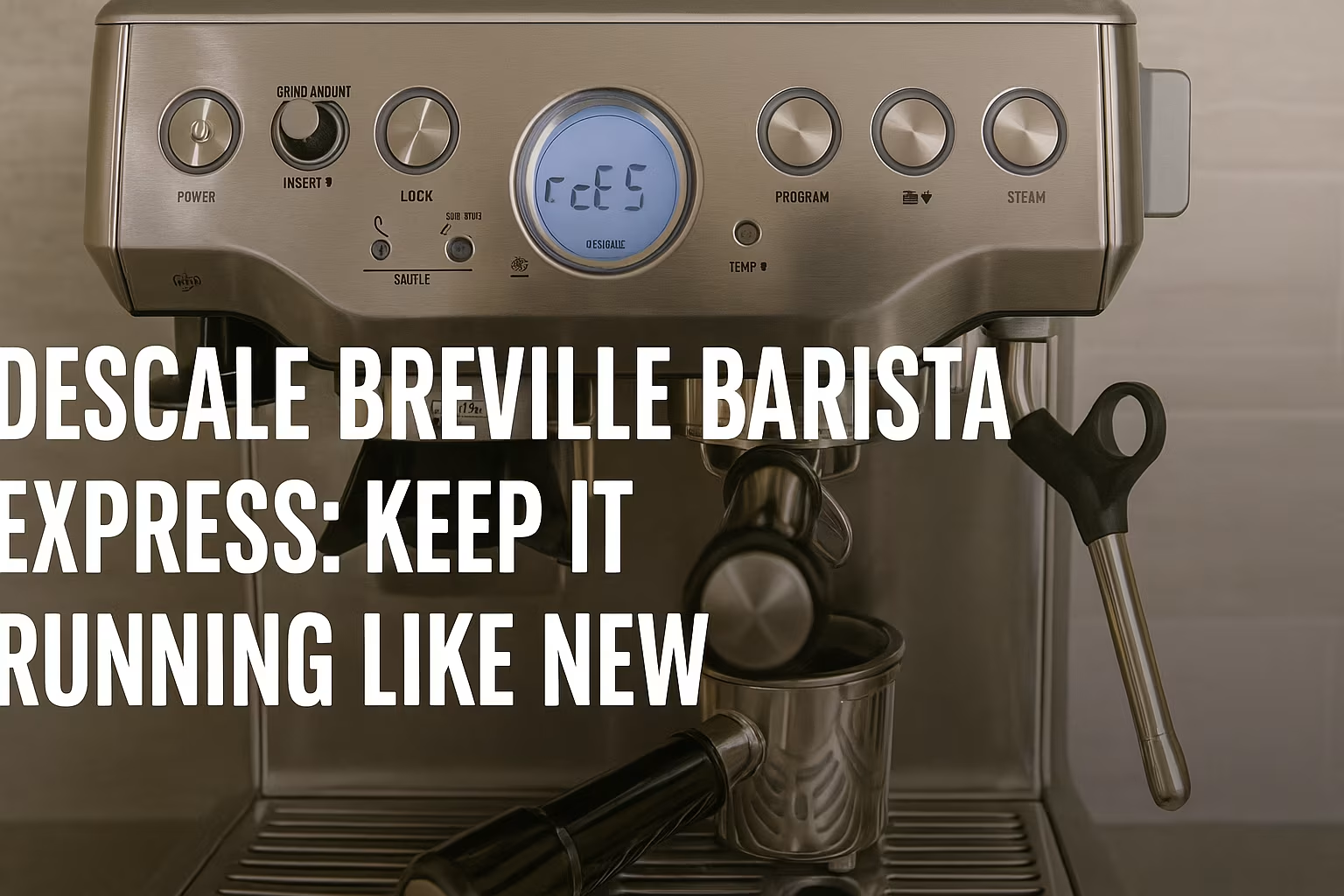
Descale Breville Barista Express – How to Keep Your Breville Barista Express Running Like New. Learn the complete step-by-step descaling process, cleaning tips, maintenance schedule, and expert troubleshooting to keep your machine brewing rich, delicious espresso every day.
Descale Breville Barista Express – How to Keep Your Breville Barista Express Running Like New
If you’re passionate about great coffee, you already know that the Breville Barista Express is one of the most beloved espresso machines in home cafés across the world.
But even the most advanced machines require regular care to maintain consistent pressure, optimal temperature, and that rich, velvety espresso flavor you expect every morning. Learning how to descale Breville Barista Express isn’t just routine maintenance—it’s the key to keeping your machine performing like new for years.
Why Descaling the Breville Barista Express Is Essential
Your Breville Barista Express is a precision machine that uses heat and pressure to bring out the best from your coffee beans. Over time, minerals from water—especially hard water—begin to deposit inside the machine’s internal boiler, pipes, and valves. This mineral accumulation, also known as scale buildup, gradually restricts water flow, disrupts temperature stability, and creates brewing inconsistencies. Even if your espresso still tastes “okay,” the internal components may already be struggling. Neglecting descaling can eventually lead to expensive repairs or machine failure.
How Scale Buildup Affects Temperature, Pressure & Flavor
To understand why descaling matters, imagine scale buildup inside a kettle. The heating element must work harder, the water warms less efficiently, and energy consumption increases. Your Breville Barista Express operates similarly. Scale acts as an insulator, preventing the boiler from heating water to the ideal espresso extraction range of 195–205°F. When temperature drops:
Espresso becomes sour or weak
Crema thins out and disappears quickly
Pressure becomes inconsistent, affecting flow rate
Steam wand performance declines, making milk frothing unreliable
In professional coffee competitions, baristas obsess over water temperature because even a 5-degree difference changes extraction chemistry. If the pros take it seriously, your machine deserves the same respect.
Signs Your Breville Barista Express Needs Descaling
Your machine gives subtle—and sometimes obvious—warnings when descaling is overdue. Look for these signs:
Reduced water flow or slow extractions
Steam wand takes too long to heat or feels weak
Espresso flavor tastes flat, sour, or unusually bitter
Grinding feels normal, but shots pull inconsistently
Machine becomes noisier during brewing
“Clean Me” indicator flashes more frequently
Water tank empties faster without producing expected volume
“The machine speaks. Listen to its pressure, flow, and flavor.” – Coffee proverb shared among Melbourne baristas
When these symptoms appear, it’s time to learn how to descale Breville Barista Express the right way.
Step-by-Step Guide: How to Descale Breville Barista Express
Descaling isn’t just a cleaning ritual—it’s an investment in flavor, performance, and machine longevity. Below is a complete, barista-tested guide for beginners and experts alike.
Preparing the Machine for Descaling
Before beginning, gather the necessary tools and prepare your workspace. A clean, calm area ensures you don’t spill descaling solution or misplace important parts. Follow these preparation steps:
Turn off and unplug your Breville machine.
Remove the portafilter, water tank, and drip tray.
Insert the cleaning disc (the black rubber “blind filter”).
Fill the water tank with the recommended Breville descaling solution or a 1:1 mix of vinegar and water.
Ensure the steam wand is in the standby position and that the hot water spout is free of obstructions.
Proper preparation ensures your descaling cycle works effectively throughout the internal system.
How to Run the Descale Cycle (Correct Process)
Follow these steps carefully for optimal results:
Press the “Power” button while holding the “1 Cup” and “2 Cup” buttons at the same time.
When the lights begin flashing, the machine enters Descale Mode.
Turn the Steam/Hot Water knob left for hot water flow and right for steam flow, flushing each internal section.
Allow the solution to run through until the tank is empty.
Wait 10–15 minutes to let the descaling solution break down internal minerals.
This ensures scale dissolves thoroughly from the boiler, group head, and steam circuits.
Rinsing and Flushing the Machine After Descaling
Never skip rinsing—any leftover solution can affect taste and corrode internal metal. To rinse:
Refill the tank with clean water
Run the entire descaling cycle again without solution
Use both the group head and steam wand to flush out any residues
Repeat 2–3 cycles for maximum clarity
Your machine is now free from scale and ready for brewing again.
Cleaning vs. Descaling: What’s the Difference?
Although many people use “cleaning” and “descaling” interchangeably, they address completely different issues. Cleaning removes oils, coffee particles, and residue. Descaling removes mineral deposits. Your Breville Barista Express requires both to function normally.
Internal Mineral Removal vs. External Cleaning
Cleaning Tablets remove coffee oils from internal valves through backflushing. Descaling solution dissolves mineral buildup from heated water components. Both are essential.
| Process | Function | Frequency | Tools Needed |
|---|---|---|---|
| Descaling | Removes mineral scale | Every 2–3 months | Descaling solution |
| Cleaning | Removes oils & grounds | Weekly | Breville cleaning tablets |
| Backflushing | Cleans group head valves | Weekly | Cleaning disc |
Read more: Keurig Coffee Maker Troubleshooting – Is Your Keurig Coffee Maker Giving You Trouble?
When to Use Breville Cleaning Tablets
Cleaning tablets should be used:
Once a week for daily users
After brewing darker roasts or oily beans
When shots taste excessively bitter
When buttons start flashing “Clean Me”
Cleaning tablets ensure the valves controlling pressure stay lubricated and clog-free—a must for maintaining consistent espresso extraction.
Maintenance Schedule: How Often Should You Descale?
Your descaling frequency depends heavily on your local water quality and how often you use the machine. Cities with hard water such as Chicago, Phoenix, or London create scale buildup faster. Homes with water softeners may descale less frequently.
Frequency Based on Water Hardness & Usage
Here’s a practical guide:
| Water Hardness | Daily Use | Occasional Use |
|---|---|---|
| Hard Water | Every 4–6 weeks | Every 2–3 months |
| Medium Water | Every 2–3 months | Every 4–5 months |
| Soft/Filtered Water | Every 3–4 months | Every 4–6 months |
Preventing Scale Buildup in Your Breville Barista Express
Preventing scale is far easier—and far less expensive—than removing it. Think of it the same way baristas maintain commercial espresso machines in cafés across Sydney, Milan, or Ho Chi Minh City: consistent, small daily actions extend machine life dramatically. Understanding water quality, daily habits, and internal flow mechanics will help you prevent scale before it becomes a major issue.
Best Types of Water to Use for Your Breville
The water you choose determines how quickly scale forms. Minerals such as calcium, magnesium, and carbonate settle inside the boiler every time you heat water. Here’s the recommended hierarchy of water types:
| Water Type | Scale Risk | Flavor Quality | Recommendation |
|---|---|---|---|
| Filtered Water (TDS 50–150) | Low | Excellent | Best choice for Breville |
| Bottled Spring Water | Medium | Good | Acceptable substitute |
| Tap Water (Hard Water Regions) | High | Poor | Avoid unless filtered |
| Distilled Water | Low | Weak | Avoid (machine sensors need minerals) |
Many professionals, including Lyoncafe’s technical team, use carbon-filtered water to ensure stable extraction and minimal scaling. This small habit protects the boiler, thermocoil, and pressure valves from long-term mineral damage.
Daily, Weekly & Monthly Maintenance Checklists
To maintain your Breville Barista Express like a pro, follow this comprehensive routine:
Daily:
Purge the steam wand for 2–3 seconds after every milk frothing
Rinse portafilter with hot water to remove coffee oils
Empty and dry the drip tray
Wipe machine exterior with a soft microfiber cloth
Weekly:
Backflush using Breville cleaning tablets
Brush the group head with a nylon brush
Clean the steam wand tip with warm water and a pin
Monthly:
Deep-clean grinder burrs using grinder brush
Replace water filter if needed
Check O-rings and seals for wear
Remove hopper and wash with warm soapy water
These practices are borrowed from real barista workflows in professional cafés. The goal is not to deep clean constantly, but to prevent scale, residue, and clogging before they affect performance.
Troubleshooting After Descaling (If Something Goes Wrong)
Even after performing a proper descale, you might encounter unusual symptoms. Don’t panic—most issues are temporary and easily resolved with simple adjustments. Below are the most common problems and their expert solutions.
Low Pressure After Descaling
When pressure drops after descaling, it often means:
Air pockets trapped in the pump
Loose grounds blocking the group head
Cleaning disc not installed correctly during backflushing
Fix:
Run 3–5 blank shots to release air.
Remove portafilter and clean the group head thoroughly.
Tighten the portafilter and test extraction again.
If pressure remains low, check your grind size—too coarse a grind can mimic a pressure issue.
Strange Taste or Chemical Smell
Chemical odors indicate incomplete flushing after descaling.
Solution:
Rinse the water tank
Run 2–3 full tanks of clean water through the system
Purge steam wand twice
Taste issues disappear once all descaling solution residues are gone.
Steam Wand Not Producing Enough Power
This can happen if scale was dislodged during the descale but not fully flushed.
Steps:
Remove the steam wand tip
Soak it in warm water with vinegar for 10 minutes
Rinse thoroughly
Purge steam for 5 seconds
Machine Still Shows “Clean Me” or Unusual Lights
Reset by:
Turning off the machine
Holding 1 Cup + 2 Cup + Power together
Running a rinse cycle
This resets internal sensors and clears false warnings.
“When a machine misbehaves, it’s usually asking for attention—not replacement.” – Lyoncafe Espresso Maintenance Team
Expert Tips to Keep Your Breville Running Like New
Professional baristas and machine technicians maintain the Breville Barista Express with a level of care rooted in discipline and precision. The following tips come from years of servicing machines in Lyoncafe training centers and real-world beverage shops.
Grinder Care & Backflushing Essentials
Your machine’s burr grinder is one of its most valuable components. Protect it by:
Avoiding oily, dark-roasted beans
Cleaning burrs monthly
Using grinder brushes after each bag of beans
Backflushing, meanwhile, keeps valves free of coffee oils and residues:
Use cleaning tablets weekly
Always reinstall the cleaning disc correctly
Observe water color from the backflush—dark oil means you needed it
Replacing Seals, Filters & Cleaning Discs
Rubber seals age like tires—they lose elasticity over time. Replace:
Group head seal every 12–18 months
Water filters every 60–90 days
Cleaning disc every 1–2 years
Keeping these components fresh maintains pressure consistency and flavor clarity.
Conclusion: Descale Breville Barista Express – Keep It Running Like New
Your Breville Barista Express isn’t just an appliance—it’s a partner in your daily ritual. By learning how to descale Breville Barista Express properly, practicing consistent maintenance, and applying the CANABIS method, you protect both flavor and machine longevity. The power of great espresso lies not only in the beans but also in the cleanliness, readiness, and internal harmony of your machine.

My name is Kara Chavez, and I’m a coffee writer and researcher at MTN Lyon Coffee.
I’m interested in coffee equipment, brewing methods, espresso, coffee beans, and practical ways to make better coffee at home. My work focuses on researching product information, comparing features, reviewing third-party testing and consumer feedback, and turning that information into clear, useful guides for coffee lovers.
At MTN Lyon Coffee, I aim to help readers better understand coffee products, improve their brewing knowledge, and make more informed purchasing decisions.